As an Amazon Associate, we earn from qualifying purchases. Some links on this site are affiliate links at no extra cost to you. Our recommendations are based on thorough research and editorial judgment.

Cold Weather and Cellular Performance: Power and Connection Effects

Cold weather can really affect your phone’s battery life and connection. Here’s what you need to know:
- Battery Risks: Batteries lose power quickly in cold. They might shut down unexpectedly.
- Touchscreen Issues: Screens can respond slowly or even freeze in the cold.
- Connectivity Problems: Cold and snow can disrupt calls and slow down data.
You may be interested



To keep your phone working well this winter, we can take simple precautions. Stick around to learn helpful tips to protect your device further.
Key Takeaways
- Cold weather can cause batteries to drain quickly, leading to unexpected shutdowns or low battery warnings.
- Network connections may be disrupted due to snow and ice obstructing signals from cell towers.
- 5G connectivity is particularly sensitive to cold, resulting in dropped calls and slower data speeds.
- Rapid temperature changes can cause condensation inside devices, potentially causing further electronic issues.
- Keeping phones warm in insulated pockets helps maintain performance and connectivity during cold weather.
How to Protect Your Phone’s Battery in Cold Weather
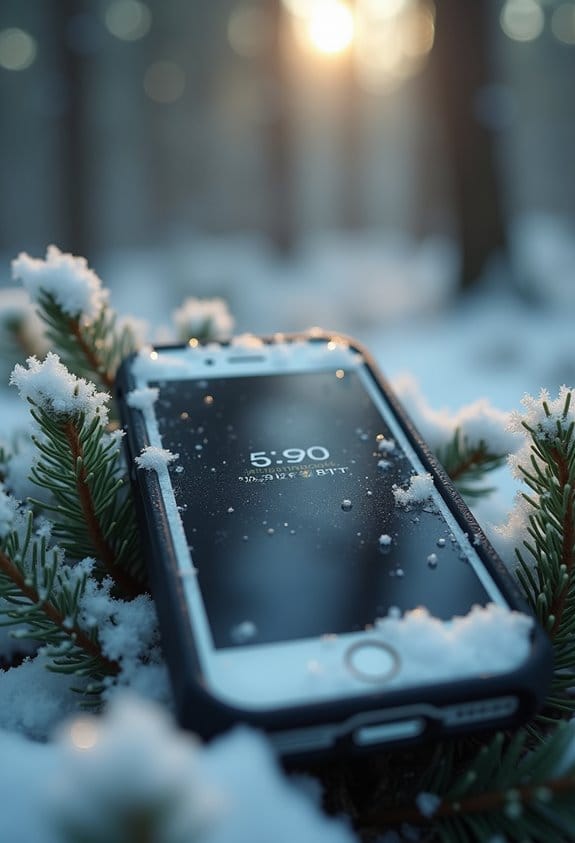
Hey there! So, as winter rolls in, it’s super important to think about how to protect your phone’s battery in cold weather. Those lithium-ion batteries we rely on really don’t like the chill, and you might notice your phone draining faster than usual. Let’s chat about a few simple ways to keep it safe.
First off, make sure your phone is fully charged before heading out into that frosty air. A full battery is like a cozy blanket for your phone’s internals, reducing chemical activity loss and helping it stay strong despite the cold. Think of it like wearing a warm jacket—it’s all about keeping everything functioning well!
Next, try to keep your phone warm. A great trick is to stash it in your pocket close to your body or grab an insulated thermal case. This little tip can make a big difference. I usually keep my phone in my inner jacket pocket when I’m outside in the cold; it keeps the battery nice and toasty.
Oh, and here’s something you should definitely avoid: charging your phone when it’s below freezing, like at 32°F or lower. Doing so could harm the battery and lead to longer-term issues. Instead, if your phone does get low on juice, wait until it warms up a bit.
Also, keep an eye out for any funny business with your phone’s performance, like if it randomly shuts down or gives you those pesky low battery warnings when you know it should have more juice.
Finally, remember to let your phone warm up gradually when you bring it indoors. Plopping it directly on a warm surface can cause some internal stress, and you don’t want that! It’s all about keeping that battery happy and healthy, so you can stay connected during those cold winter days. Now, let’s move on to some tips for maintaining battery health even when you’re back indoors!
Additionally, when using 4G LTE cellular devices in cold weather, maintaining a stable connection can also depend on your phone’s battery health and temperature.
Recommended Products

Slim Compact Build: 40.8% smaller standard 200Ah LiFePO4 battery, fits Group 31 trays for tight RV/marine spaces. 44.5 lbs, 65% lighter than lead-acid, simpler installation & less back strain.

Fusion Splicer Komshine FX39 Fiber Optical Fusion Splicer With 6s Fast Splicing, Core Alignment Fiber Splicer With 7800mAh Large Battery Capacity, Automatic Fusion Splicer Plus 5000 Electrodes Life

Solar Generator: This portable power station runs on solar power for clean, sustainable energy.
Why Touchscreens May Fail in the Cold?
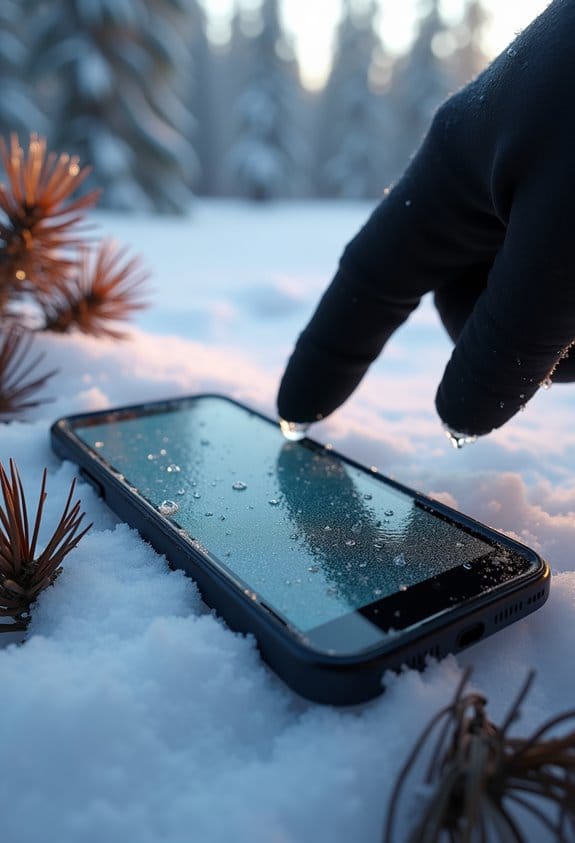
Hey there! So, have you ever noticed how your touchscreen can act all weird when it’s cold outside? It’s a pretty common issue, and many of us have been there. When the temperature drops, you might experience a sluggish response, where your screen feels like it’s moving in slow motion. Imagine trying to scroll through your favorite app, but it just doesn’t register your taps as quickly as you want. Frustrating, right?
Then there’s the risk of freezing and even cracking. If it gets extremely cold, your screen might suffer actual damage, which is definitely not what you want if you’re relying on your device for directions or texting a friend. Plus, the liquid crystal molecules inside those screens don’t perform as well in colder temperatures. That means your touch sensitivity can become pretty inconsistent. You might find that light touches don’t register at all.
One practical tip to combat these issues is to keep your devices warm. Slip your phone into an insulated bag or your pocket when you’re outside for a long time. This little trick helps maintain a suitable temperature for your touchscreen, making your interactions much more pleasant. So, the next time you step out into the cold, think about how to keep your tech cozy; it really makes a difference! Additionally, for devices relying on cellular connectivity, maintaining optimal battery performance in cold weather is crucial as low temperatures can reduce battery life and signal strength.
How Cold Weather Affects Your Phone’s Connectivity
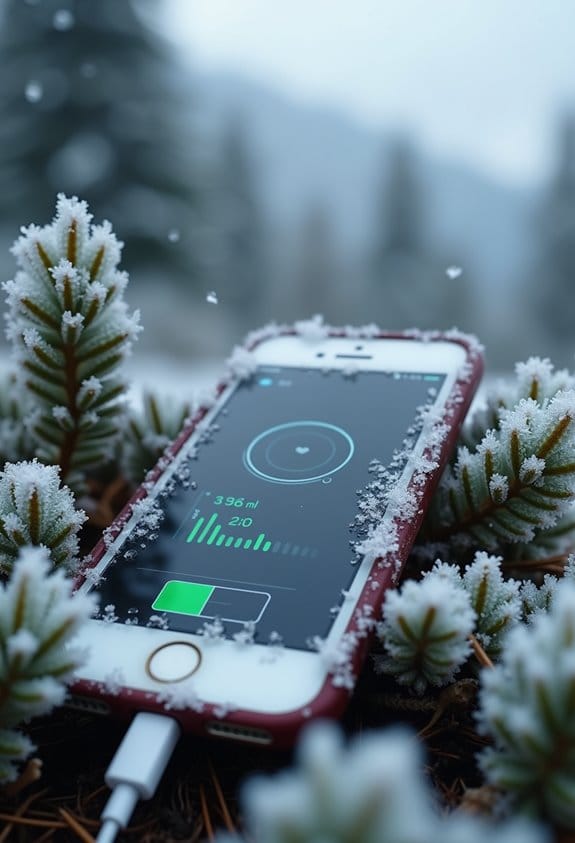
Hey there! You know how when it gets really cold outside, your phone sometimes just doesn’t want to connect to the network? Cold weather can really throw a wrench in your phone’s connectivity. For example, if you’re out and about during a snowstorm, the snow and ice can actually block the signals from cell towers, making it harder to get a reliable 4G or 5G connection. That’s frustrating, right?
And if it’s super cold, your phone’s battery may freeze too. Those lithium-ion batteries don’t do well in freezing temperatures, which can lead to unexpected shutdowns, especially when your battery’s low. Imagine being out and about, trying to text a friend, only to have your phone suddenly turn off because the cold affected it!
If you’re battling the cold and need to improve your reception, using a mobile signal booster can really help lift those weak signals. Just being aware of how the weather affects your phone can make a big difference. So, if you know a chilly day is ahead, it’s good to anticipate some connectivity challenges! Speaking of cold weather, let’s chat about how dressing warmly can help you enjoy those winter outings more comfortably. Additionally, having devices with high-capacity batteries can reduce the risk of power loss in cold temperatures.
What to Do If Your Phone Shuts Down in Cold Weather?
Cold weather can really mess with our devices, and sometimes our phones just decide to shut down when it’s chilly out. If your phone goes dark on you in the cold, don’t panic! There are some simple steps you can take to get it back up and running.
First, bring your phone indoors to a warmer place. The lithium-ion battery that powers it gets protective when it’s too cold, which is why it shuts down. Once you’re inside, let it warm up slowly. Try not to blast it with heat from a hairdryer or leave it near a radiator—gradual warming is key to avoiding condensation inside the device.
Next, hold off on charging your phone until it’s in a safe temperature range, around 32ºF to 95ºF. Charging it when it’s really cold can actually damage the battery. While you wait, keep your phone snug in a pocket or an insulated case. Your body heat can help keep it warm.
Once the phone has had some time to adjust to the indoor temperature, try turning it back on. If it powers up and works normally, great! If not, it might be time to chat with a professional to see if there’s more going on. Remember, a little cold weather prep can go a long way in keeping your tech happy and healthy! For outdoor use, consider devices with high-capacity rechargeable batteries designed to perform reliably even in colder conditions.
Recommended Products

Regular fit is just right: Not too tight or too baggy

MAGSHIELD ACCESS - Durable and powerful magnets create an ultra leak-resistant shield that stays open when you need it and snaps closed with a gentle push

【Incredibly Warm】A layer of 1400G/1600G Thinsulation Insulation in the boots traps your body's natural warmth, keeping your feet toasty in ice-cold water. 5 mm neoprene material also has excellent insulation properties.
Strategies for Keeping Your Device Safe This Winter
Hey there! So, winter is upon us, and you might be wondering how to keep your devices safe during this chilly season. Well, I’ve got some practical tips that can really help.
First off, it’s super important to keep your phone warm. A good trick is to tuck it into your coat or pant pocket. This way, it stays cozy using your body heat. You’d be surprised how much warmth that little pocket can provide, keeping your phone working smoothly even on the coldest days.
Another great tip is to invest in an insulated phone case. These cases are designed to protect your device from dropping temperatures and can make a big difference in how your battery performs. For instance, a friend of mine switched to an insulated case last winter and noticed her battery stayed charged much longer than before.
If you know you’ll be outside for a while, consider turning off your phone. This minor step can save you from unexpected battery drain or even damage to your device. Think of it as giving your phone a little winter nap!
Also, when it’s time to charge your phone, wait until it’s warmed up a bit first. Charging a cold phone—especially when it’s below freezing—can lead to battery issues you definitely want to avoid. Try to keep an eye on how your phone behaves in the cold; if it starts acting weird, just let it warm up gradually. Rapid temperature changes can cause condensation, which is a no-go for any electronic device.
Using solar power functionality in devices can help maintain consistent operation during cold weather by reducing reliance on battery capacity alone.
Cold Weather and Cellular Networks
Hey there! Have you ever thought about how cold weather can mess with our cellular networks? It’s pretty interesting—and maybe a bit surprising—how winter conditions, like ice and snow piling up on antennas, can actually weaken your signal. You might notice dropped calls or slow data speeds, and that’s because the performance drops when temperatures plummet.
Let’s talk about 5G signals for a second. They operate on higher frequencies, which are more sensitive to cold weather compared to good old 4G. Imagine trying to send a text through a snowstorm; the message might not get through. Or think about being stuck outside in the rain. Just as the rain affects your visibility, it can also make your phone’s signal weaker, too. Choosing antennas with IP67 waterproof rating helps maintain reliable connections even in harsh weather conditions.
Tips for Maintaining Your Phone’s Performance in Winter
Hey there! So, let’s talk about keeping your phone in tip-top shape during winter. You know how those chilly temperatures can throw our devices for a loop? It’s super important to maintain your phone’s performance in these conditions, so you don’t end up with annoying issues.
First off, try to keep your phone warm by keeping it close to your body. This way, you’re sharing some of your own heat, which can help reduce battery drain. For example, if you’re out skiing, slide it into an inside pocket of your jacket instead of leaving it in a cold backpack. Another handy tip is to invest in a thermal case. These insulated covers act like a cozy blanket for your phone, shielding it from those biting temperatures that can mess with its functionality.
Have you ever thought about turning off your phone before heading out into the cold for a while? It’s a smart move! By switching it off, you prevent any power misreadings or unexpected shutdowns. And once you’re back indoors, allow your phone to warm up to room temperature before you plug it in. Charging a cold phone can cause condensation, and we definitely don’t want that.
Lastly, make sure to charge it fully and enable Battery Saver before you brave the outdoors. Cold weather can really impact how efficiently your battery performs, so giving it a little extra love before venturing out can make a huge difference.
Additionally, choosing devices with reliable power source reliability helps ensure consistent operation even in harsh winter conditions.
With a few simple steps, you can keep your phone running smoothly all winter long. Now, let’s move on to some tips for protecting your phone from accidental drops and spills during this busy season!
Recommended Products

High Dynamic Range Video plus Photo: HERO12 Black takes its best-in-class image quality to the next level with HDR for both videos (5.3K and 4K) and photos. Great in environments with both shadows and bright light, HDR captures the subtle details of the scene that might typically blend into the darkness of shadows or disappear in the bright spots of your shot. The result is dynamic footage with true-to-life color and precision.
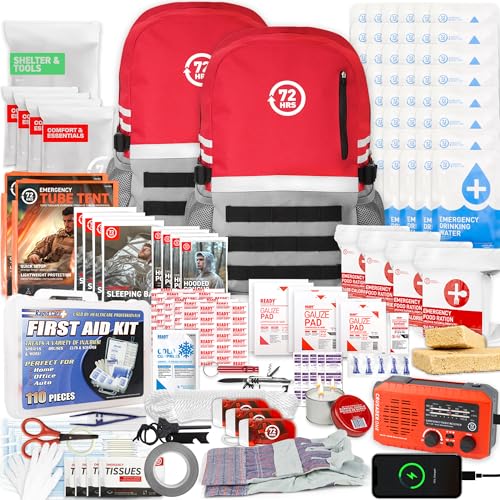
Ultimate Readiness: The go bag emergency backpack survival kit ensures you are prepared for any unexpected situation, providing peace of mind for you and your family

Our best-selling women’s insulated raincoat withstands cold downpours and looks amazing doing so
Frequently Asked Questions
Does Cold Weather Affect Cellular Signal?
Absolutely, cold weather can wreak havoc on our cellular signal! We might notice significant signal degradation and our devices’ battery efficiency plummeting. It’s like our phones are crying out for warmth and connection!
Does Cold Affect Internet Connection?
Yes, cold can affect our internet connection. We’ve noticed that lower temperatures often slow down internet speed and hinder data transmission due to increased signal interference, especially with higher frequency networks during harsh weather conditions.
How Does Cold Weather Affect Power?
Sure, if we want our devices to freeze like it’s a polar bear’s paradise, cold weather critically dampens battery efficiency and charger performance. Let’s keep our gadgets cozy, or else they’ll throw tantrums!
What Temperature Is Too Cold for a Cell Phone?
A phone battery struggles at temperatures below 32ºF. We should be cautious of temperature extremes, as they can lead to reduced performance and potential damage. Keeping our devices warm is essential in cold conditions.