As an Amazon Associate, we earn from qualifying purchases. Some links on this site are affiliate links at no extra cost to you. Our recommendations are based on thorough research and editorial judgment.

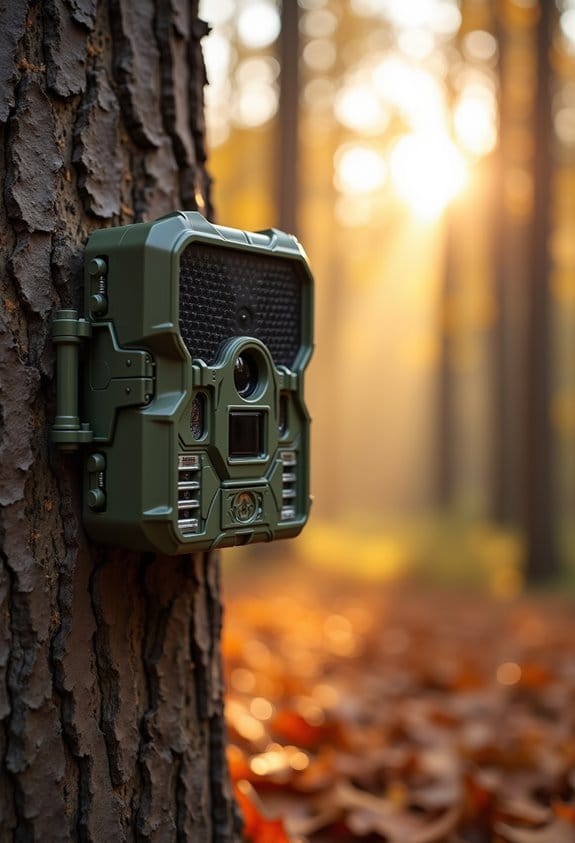
Detection Zone vs Field of View: Why They Don’t Always Match

Detection zones and field of view in RING cameras often don’t align. The field of view is the total area the camera sees—typically around 160 degrees. Detection zones are specific areas within that field where you want to receive alerts. If these zones aren’t set correctly, it can lead to missed alerts. Factors like lighting or camera angles can also affect detection. Understanding these differences will help you optimize your RING camera’s performance for better motion detection.
Key Takeaways
- Detection zones are customizable areas for motion alerts, while the field of view captures a broader area, usually around 160 degrees.
- Misaligned detection zones may lead to missed alerts, especially at critical locations like entry points.
- Environmental factors, such as lighting and obstructions, can affect detection effectiveness outside the set zones.
- Firmware updates can alter motion sensitivity, potentially resulting in discrepancies between expected and actual detection performance.
- Users may experience false alarms due to small movements or environmental changes, highlighting the need for careful zone definition and adjustments.
Understanding RING Camera Detection Zones
You may be interested

Hey! So, let’s talk about setting up your RING camera, especially about those detection zones. Understanding detection zones is super important because they help you know exactly where you want your camera to alert you about motion. Picture this: the detection zones are like a spotlight on specific areas you want to keep an eye on, while the camera’s field of view is like the entire stage—capturing everything in sight, even the stuff you aren’t focused on.
What’s cool is that you can customize these detection zones right from your app. For instance, if you want to monitor just your front porch, you can draw a zone that matches that space. But remember—your camera will still pick up movement beyond that zone. So, if a neighbor walks their dog along the sidewalk, you might get a notification for that too.
Also, keep in mind that things like lighting and the angle of your camera can affect how well those detection zones work. If it’s too bright or too dark, or if the camera is at a weird angle, it might send you alerts you didn’t really want.
In a nutshell, tweaking your detection zones is key to getting the most out of your RING camera! You’ll want to experiment a bit to find the perfect setup. Speaking of which, let’s chat about how to manage those alerts after you’ve set up your zones. Additionally, considering a camera with low-glow infrared technology can help improve motion detection in low-light conditions.
Recommended Products

More 4K coverage and light where you need it —With 3 Floodlight Cam Pro, Wired (2nd Gen), White, expand 4K protection and illumination to more areas on your property.

Powerful protection for any property — 1080p HD security camera for your home or business with motion-activated LED floodlights, 105dB security siren.

This product includes four Spotlight Cam Plus, Battery.
Identifying Common Issues With RING Motion Detection
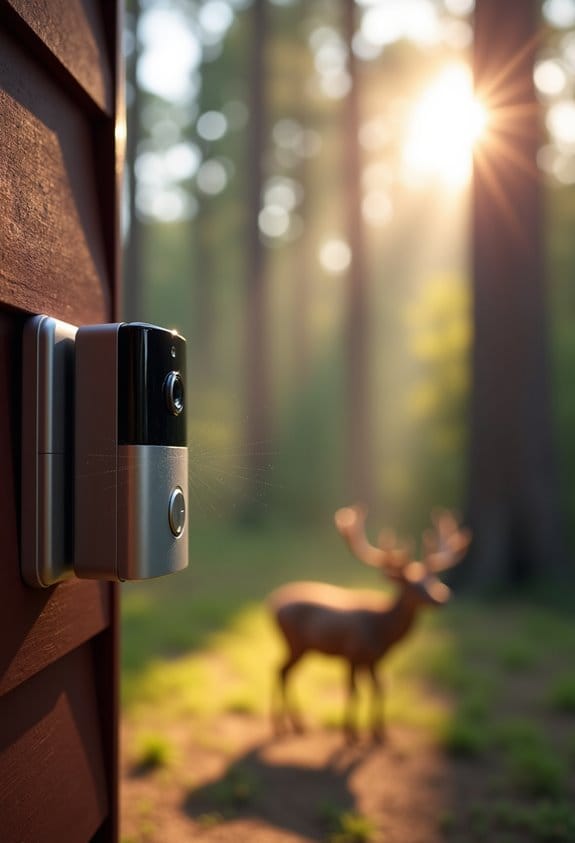
So, you’ve set up your RING camera and fine-tuned those motion detection zones, but now you’re running into some hiccups, right? It’s totally normal; a lot of folks face similar challenges with motion detection features. Let’s break down a few common issues you might encounter.
One big issue is misaligned zones. Sometimes, what you see in the camera feed doesn’t match where it’s actually detecting motion. For example, if your camera is pointed at your driveway but the detection zone is set further back, you might miss alerts for cars pulling in. Double-check those settings to ensure they line up with the view you want to monitor.
Another thing to consider is sensitivity changes, especially after firmware updates. You might notice that motion detection is less responsive than before. If you’re missing alerts for people walking by, it could be worth tweaking the sensitivity settings to see if that improves the situation.
Environmental factors can also play a significant role. For instance, if it’s dusk when the lights are changing, or if there are branches moving in the breeze, your camera might get confused and either miss important motions or send you false alarms.
Speaking of false alarms, they can be a real nuisance! Your RING could trigger for a passing bug or a car driving by outside your set zones. To minimize these annoyances, you can adjust the detection sensitivity or even the zone dimensions themselves.
Addressing these common concerns can truly elevate your RING camera experience. By refining those zones and settings, you can create a more reliable motion detection system that keeps your home secure. Now, let’s explore how to optimize those settings for your specific environment. Leveraging advanced motion detection features can significantly reduce false alarms while improving accuracy.
Recommended Products

STUNNING VIDEO QUALITY – The Canon CR-N300 PTZ camera delivers advanced performance and outstanding 4K 30p and Full HD 60p video output thanks to a 1/2.3" CMOS sensor, DIGIC DV 6 image processor, and Hybrid AF for fast, reliable, and precise auto focus.Operating Environment - Temperature : 0°C – +40°C (+32°F – +104°F), Humidity : 10% – 90% (without condensation).
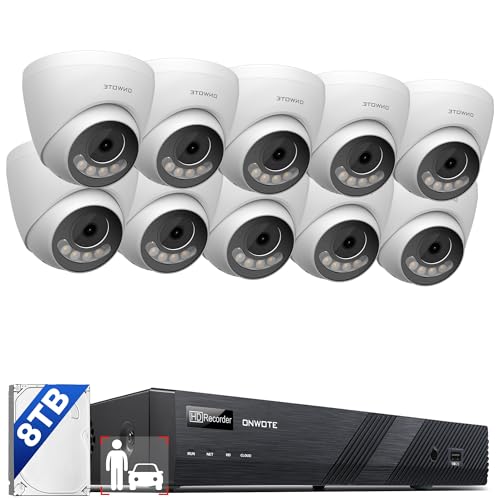
12MP 30fps-- Features IMX577 Image Sensor, deliver 12 million pixels superior definition; 123° diagonal field of view.

Immerse in the Brilliance of 4K ULTRA HD Clarity: Elevate your visual experience with the camera's 8MP image sensor, delivering the unparalleled power and clarity of 4K ULTRA HD resolution. Immerse yourself in stunning visuals that capture every detail with precision and vividness
How Field of View Affects Motion Detection in RING Cameras
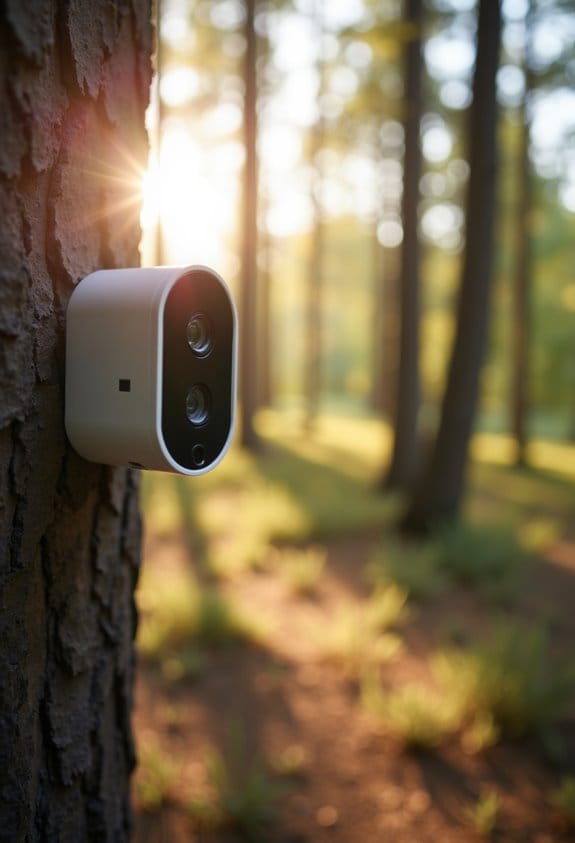
Hey there! Let’s chat about how the field of view (FOV) of RING cameras can really shape how well they detect motion. RING cameras sport a pretty wide FOV, usually around 160 degrees, which means they can capture a lot of action happening in front of them. However, just because the camera sees a lot doesn’t mean it catches everything effectively—especially when it comes to the specific detection zone you set up.
Think of these detection zones as designated areas where you want to receive motion alerts, like your front porch or driveway. If someone walks directly toward the camera, sometimes they might not trigger the alert as expected—that’s pretty common. And don’t forget about the environment! Things like bright sunlight or tall bushes can obscure movement even within those zones, making detection tougher.
Also, if your detection zones have gradual edges, it can be a bit confusing to figure out where the camera picks up motion and where it doesn’t. An easy fix is to regularly check and adjust your settings, or even move your camera slightly for better alignment with its FOV. Trust me, a little tweak here and there can make a big difference in how well your camera keeps an eye on things. So, as we think about optimizing your camera setup, consider how other factors might play into keeping your space secure! Keep in mind that a balance of detection range, angle, and speed is essential for effective motion detection.
Recommended Products

Ultra High Definition 6K 12MP (4512x2512) SIX TIMES the resolution of 1080P! 12MP Real-Time Commercial-Grade 32 Channel NVR Security Camera System with (8) Bullet & (8) Dome H.265+ 12MP Weatherproof Wide Angle PoE IP Cameras (Support Two Way Audio)


Ultra High Definition 4K (3840x2160)FOUR TIMES the resolution of 1080P! 16 Channel 12MP 6K NVR with (16) H.265+ 4K (8MP) @20FPS Weatherproof 2.8mm Wide Angle Microphone Audio & Video PoE IP Bullet Cameras
Tips for Improving RING Camera Detection Performance
Hey there! If you want to boost your RING camera’s detection performance and make sure it keeps an eye on your home the way you want, I’ve got some handy tips to share. First off, think about adjusting the motion sensitivity in the app. This could help you catch more movement, like that pesky squirrel that keeps raiding your bird feeder!
Next, let’s talk about placement. Installing the camera a bit higher can really help. This way, it gets a clearer view of the area without anything blocking its line of sight. You might also want to look at defining your detection settings. By setting the Home Position and Motion Detection Zone just right, you can cut down on those annoying false alerts, like when a tree branch sways in the wind.
Don’t hesitate to experiment with different angles too! Sometimes just slight adjustments can make a big difference in what the camera picks up. And remember to regularly clean the camera lens—dusty lenses can blur the picture and mess with its detection abilities. Using a sturdy and weather-resistant camera mount can also ensure your device remains stable and performs optimally in various outdoor conditions.
Recommended Products

Suitable Models: The floodlight camera mount is specifically designed for the Ring floodlight cam wired pro/pro (2nd gen)/ plus & Blink wired floodlight camera and Wyze Floodlight Camera V2/Pro, ensuring a mounting bracket for both models. (Note: Camera NOT Included.)

Safe and Durable:Our ring doorbell mount is made of all metal material, it can withstand various weather conditions and extreme temperatures. It is not easy to damage and effectively avoids the situation of doorbell theft caused by bracket damage, ensuring the long-term reliability and safety of your ring doorbell

Product structure:Max load:≤700g/1.54lbs.A stury base, size is 8X12inch/21X32cm.A height-adjustable pole,It is made of metal.A Flexible gooseneck,Its length is 21.7inch/55cm.The overall maximum height of this stand is 80inch/200cm.
What Users Are Saying About RING Cameras
Hey, have you heard about RING cameras? Lots of folks have been sharing their thoughts on them lately, and it seems like the feedback is a bit of a mixed bag. For starters, some users have noticed that the motion detection isn’t as sharp as it used to be. You know how sometimes you expect your camera to alert you when someone walks by? Well, over time, that effectiveness might fade a bit, leaving you wondering if it’s still doing its job.
Another common issue is with misaligned motion detection zones. Imagine setting up your camera to cover your front door but realizing later that it’s not picking up movement from the sidewalk. That can be super frustrating, especially if you’re missing important alerts. Plus, firmware updates can sometimes complicate things too; there are times when updates have made devices act less reliable, leading some users to feel like their camera is just not worth it anymore.
Environmental factors play a role as well. If there’s bright light shining directly into the camera or if something is blocking its view, that can really mess with how accurately it detects motion. So, it’s crucial for RING to keep everyone informed about any changes that could affect those detection zones. That way, you can feel confident relying on your camera to keep an eye on things as intended.
Have you had a chance to try out any of these cameras yourself? It might be worth considering how these factors could play into what you need from home security. Additionally, some advanced wildlife cameras now feature customizable detection zones to optimize motion alerts and reduce false alarms, which is an improving trend for all security cameras.
How to Improve Your RING Camera’s Detection?
Hey there! If you want to improve your RING camera’s motion detection, I’ve got a few easy tips to share. First off, make sure you set up your Motion Detection Zone right after you get your camera in place. This step can really help by filtering out those pesky alerts for things happening outside the area you actually want to monitor—like the neighbor’s cat wandering by!
Next, don’t forget to keep that camera lens clean and clear of any obstructions. Trust me, a tiny smudge can mess with its ability to see. You should also check the sensitivity settings in the app. If you find you’re getting bombarded with false alerts, lowering the sensitivity can help reduce those notifications while still catching the important action.
Another smart move is to experiment with different camera angles. For instance, if your front door isn’t being captured well, try adjusting it slightly higher or angling it down towards the walkway. This can really help with detection accuracy. Lastly, during times when you specifically need to watch one area, consider turning off the Pan Scan feature. This way, your camera stays focused right where you want it—like keeping an eye on that new package delivery.
Using a stable mounting system can further enhance your camera’s detection by preventing shakes and ensuring consistent positioning.
Once you’ve improved your setup, you’ll want to think about other ways to enhance your home security!
Recommended Products

{IP66 Waterproof} The junction is made of heavy aluminum, it is waterproof, anti-stress and stable, it will ensures your camera durable and stable performance

FIT - Meant to replace an existing electrical outlet. Designed to fit the Ring Alarm Base Station Generation 1 & 2 OR the ASUS Lyra Mini (Not Included).

Made of Metal and Aluminum Alloy, with surface spray treatment
Future Enhancements Users Desire From RING Cameras
Hey there! If you’re a RING camera user, you probably know how important it is to have that extra layer of control over your security system. Let’s chat about some cool enhancements that could really boost your experience and make your setup even more personalized.
First off, many users are wishing for improved detection zones. Imagine being able to customize exactly what areas your camera monitors, similar to other security systems. For example, if you only want to keep an eye on your front porch and ignore the street, having that option would really cut down on annoying alerts.
Next up is the idea of saved settings. Wouldn’t it be great if you could save your favorite detection zone configurations even if you decide to temporarily disable the camera? That way, you wouldn’t need to set it all up from scratch every time you want to tweak something—super convenient, right?
Another common wish is for more transparency about updates. Users want clarity on how firmware changes might affect motion detection. If your camera’s sensitivity changes due to an update, you’d definitely want to know about it.
Some folks have also mentioned the idea of overlapping zones. Picture this: you could set up multiple zones to focus on different areas, each with its own scheduling. So, while you’re home, your backyard might be more of a priority, but at night, your front door could take the lead. This sort of flexibility could really help in reducing false alerts.
Finally, enhancing the detection technology to better adapt to changes in lighting and environmental factors can significantly improve accuracy. For instance, if your camera could adjust to sunset and ensure it’s still picking up motion accurately, that would be a game-changer in keeping your property secure.
Additionally, just like managing camera coverage in wildlife monitoring, regularly monitoring your camera’s signal strength could help ensure optimal performance and fewer missed detections.
These enhancements would definitely help you tailor your RING camera to fit your needs even better! Now, let’s take a look at how user feedback plays a major role in shaping these future updates.
Frequently Asked Questions
What Is the Best Field of View for a Security Camera?
For ideal security, we suggest a field of view around 100 degrees, balancing detail and coverage. When choosing camera placements, consider angles that guarantee maximum visibility while minimizing blind spots in monitored areas.
How Does Wyze Detection Zone Work?
Like a skilled painter choosing colors, we set Wyze camera features by customizing detection zones. These zones help us fine-tune motion detection settings, ensuring we only receive alerts for specified areas, enhancing our home security experience.
What Is the Relationship Between Focal Length and Field of View?
The focal length directly affects our camera perspective, determining the field of view. Shorter focal lengths give us wider views, while longer lengths narrow the focus, highlighting specific details and altering how we perceive our surroundings.
Why Is My Ring Spotlight Camera Not Detecting Motion?
Imagine fishing in a shallow pond. If our Ring Spotlight Camera isn’t detecting motion, we might need to tweak the motion sensitivity settings or reconsider those camera placement tips to guarantee we’re casting our net effectively.