As an Amazon Associate, we earn from qualifying purchases. Some links on this site are affiliate links at no extra cost to you. Our recommendations are based on thorough research and editorial judgment.

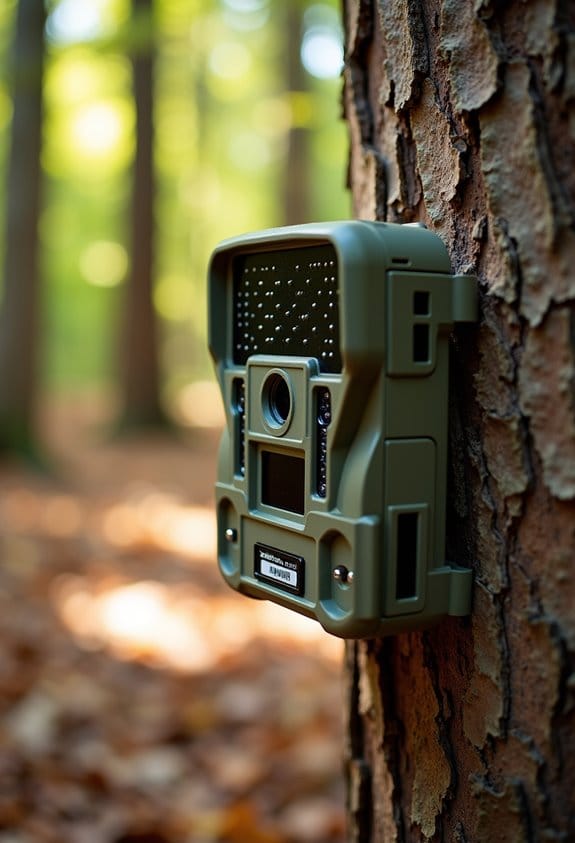
SD Card Basics for Trail Cameras: Formatting, Corruption, and Lifespan

When using SD cards in trail cameras, proper management is key. Here’s what we should know:
- Formatting: Format your card every few months to avoid data issues.
- Corruption Signs: Watch for error messages or slow performance; they indicate problems.
- Lifespan: Most SD cards last 3,000 to 10,000 write cycles, but heavy use can shorten this.
You may be interested



By following these tips, we can enhance our experience. Stick with us for more essential insights!
Key Takeaways
- Format your SD card regularly using camera settings to reduce corruption risks and ensure optimal performance.
- Choose a high-quality, Class 10 or UHS-rated SD card for reliable performance and fast write speeds.
- A typical SD card lifespan is 3,000 to 10,000 write cycles; frequent use can shorten this duration.
- Avoid removing the SD card while it’s writing data to prevent corruption and potential data loss.
- Ensure compatibility with your trail camera, verifying it meets SDHC or SDXC requirements for best results.
How to Format an SD Card: Step-by-Step Guide
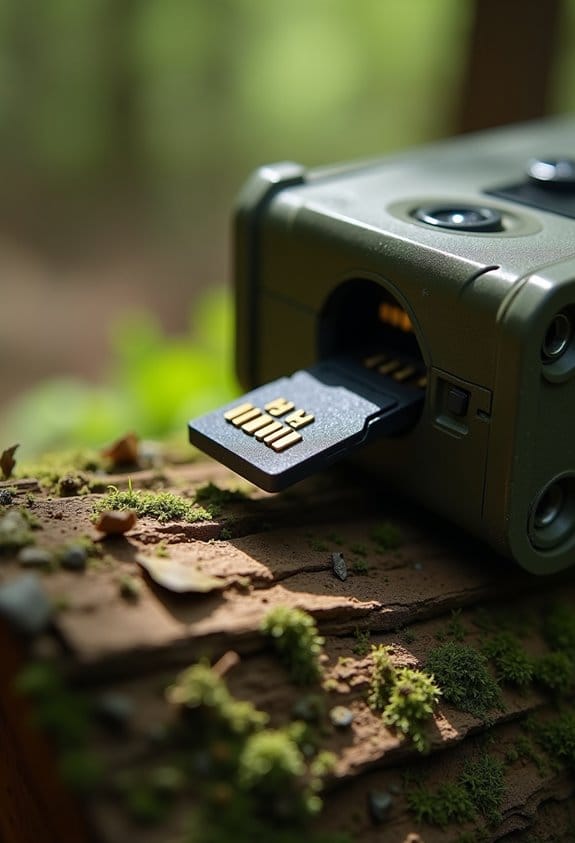
Formatting an SD card might sound a bit scary at first, but it’s really just a way to make sure your trail camera works like a charm. Before we go ahead, make sure you’ve saved any important stuff because formatting will wipe everything clean.
So, let’s tackle this step by step. If you’re using a Windows computer, a quick right-click on your SD card in File Explorer will pull up an option for ‘Format.’ Simple, right? For Mac users, you’ll want to open up Disk Utility and erase the card from there.
When it comes to selecting a file system, think of it like choosing the right size backpack for a trip. Use FAT32 for cards that hold up to 32GB—perfect for smaller tasks—and switch to exFAT for anything larger. You might see an option for ‘Quick Format,’ which speeds up the process, but a full format can help fix any stubborn problems with the card. Once you’re done, you’ll see a nice confirmation, and voila—your SD card is ready for action with your trail camera!
And just like that, you’ve set up a clean slate for your outdoor adventures. Next up, let’s talk about how to make the most of your trail camera once you’ve got that card ready! Regular formatting can also help maintain the camera’s performance over time.
Identifying Signs That Your SD Card Needs Formatting
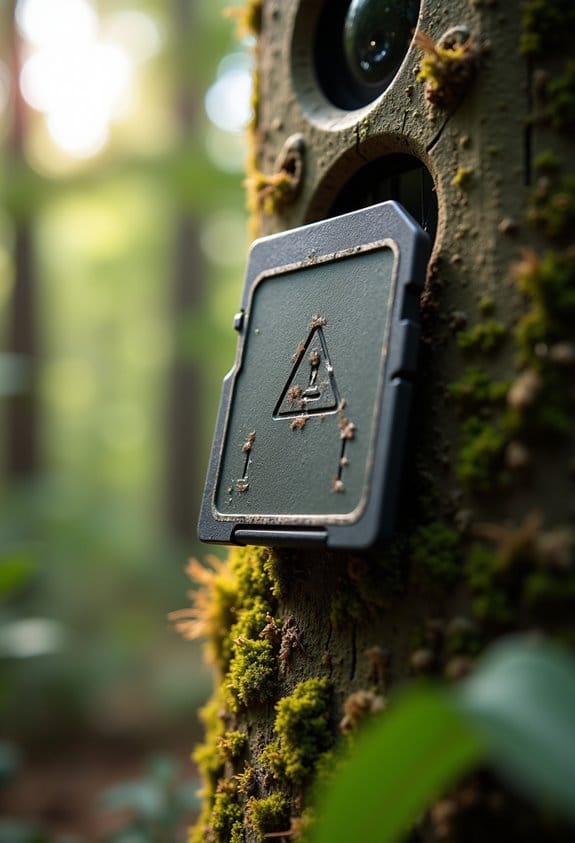
Hey, have you ever wondered how to tell if your SD card needs formatting? There are definitely some signs you shouldn’t overlook. For starters, if you’re getting error messages when trying to save images or videos, that’s a big red flag. It usually means something isn’t right with your storage, often pointing to data corruption.
Another thing to watch out for is a noticeable slowdown in read/write speeds. If it feels like your SD card is dragging its feet when saving files or loading videos, it might be time for a little makeover. And if your trail camera keeps failing to recognize the SD card, even after you’ve taken it out and popped it back in, you’ll want to troubleshoot, which may lead to formatting it.
Have you noticed corrupted images or those annoying blank photos? That’s another clear sign it’s time to take action. Also, if your camera freezes or crashes while you’re snapping away, it could be a sign that the file system is overloaded.
Addressing these issues sooner rather than later is key to keeping your SD card in good shape and making sure you don’t miss out on capturing those special moments! Speaking of which, let’s look at how to format your SD card correctly.
Using a camera with infrared night vision technology can sometimes contribute to increased data usage and storage needs, making well-maintained SD cards crucial for uninterrupted performance.
Preventing Common SD Card Corruption

Hey there! If you’re using SD cards with your trail cameras, you might have run into some annoying corruption issues that can mess with your recordings. To keep your footage safe and sound, here’s some friendly advice to help you prevent data corruption.
First off, always opt for high-quality SD cards from reputable brands. They’re built tough to handle the wear and tear of outdoor adventures. For instance, brands like SanDisk or Lexar are known for their durability and reliability—definitely worth the investment.
Next, make it a habit to format your SD card every couple of months. This simple step can eliminate corrupted files that could slow down your camera. It’s a bit like tidying up your workspace; a clean slate helps everything run smoother.
Also, remember to avoid yanking the SD card out while it’s still writing data. Imagine if you were halfway through an important sentence and someone interrupted you. It’s similar for your camera—it can cause problems with saving your files. And don’t forget to check that little write-protect switch on the card; if it’s in the wrong position, your camera can’t save anything!
If you ever find your SD card isn’t being recognized, don’t panic! Sometimes, a quick format using your camera’s built-in options can resolve the issue. Just make sure you back up any important files first.
To further protect your data, always consider using cameras with rapid trigger speed to minimize write errors caused by fast captures during wildlife activity.
Recommended Products


SD Card Lifespan Expectations for Trail Cameras
Hey there! If you’re gearing up to use your trail camera, you might be wondering how long your SD card will actually last. Generally speaking, you can expect an SD card to hold up somewhere between 3,000 and 10,000 write cycles. If you invest in a high-endurance card, you could get lucky and see it last anywhere from 5,000 to 20,000 operational hours—pretty neat, right?
Now, a few things can really impact how long your SD card lasts. For instance, if you’re constantly writing and deleting high-resolution images or videos, that can wear it down faster. Imagine trying to squeeze a big file into a small inbox—it just takes a toll! Also, keep in mind that extreme temperatures or moisture can cause data corruption. It’s kind of like how leaving your phone in a hot car can mess it up.
A solid tip to keep your SD card in tip-top shape is to regularly format it. This helps reduce file system errors and makes sure you’re storing your photos and videos efficiently. So, a little bit of upkeep goes a long way! By keeping these pointers in mind, you’ll be able to maximize the lifespan of your SD card, and you’ll be ready to capture all those amazing moments in the great outdoors.
Additionally, power options like long-lasting batteries and solar panels can help ensure your trail camera runs smoothly, minimizing interruptions that might otherwise risk data loss.
How to Troubleshoot Common SD Card Issues You Might Encounter
You know, even if you take great care of your SD card, sometimes it can throw a wrench in your trail camera plans. Let’s chat about some common SD card issues and how to fix them so you can get back to capturing those awesome moments.
First off, if your camera isn’t recognizing the SD card, don’t panic! A good quick fix is to format the card right in your camera. Just dive into the settings, and you’ll find an option to format the card. That usually does the trick!
Now, if you’re seeing error messages pop up, check for a little write-protect switch on the card itself. If that switch is in the locked position, your camera won’t be able to write new photos or videos. Just slide it to the unlocked side, and you should be good to go.
If your camera feels like it’s moving in slow motion when saving images, that might mean you need a faster card. Go for Class 10 or UHS-I/UHS-II cards. They give you quicker data transfer speeds, which is super important when your trail camera is capturing high-res action shots. It’s like upgrading from a regular road to a fast highway.
One crucial tip to remember: avoid pulling the card out when it’s writing data. It can cause corruption, which means you might lose those precious pictures. If these problems keep popping up, try testing a different SD card or peek at your camera’s manual for any firmware updates. Keeping everything updated can enhance performance, ensuring you capture every moment effortlessly.
Many trail cameras also support external storage options up to 512GB, allowing for extended recording without frequent card changes.
Ready to tackle some more tech questions? Let’s keep rolling!
Recommended Products

INCLUDES Sixteen Tactacam Reveal Ultra Cellular Trail Cameras, and Sixteen 32GB Lexar SD Cards by Trail Cams Galore, a Trademarked Brand. The Tactacam Reveal Ultra is highly adaptable. It can be paired with optional accessories such as solar panels for extended battery life, and it is designed to work on multiple cellular networks, giving you flexibility in choosing your cellular provider.

Bundle Includes: 10 x Browning Trail Cameras Dark Ops Pro X Wildlife Motion-Activated Camera Browning Trail Camera, 10 x Security Box, 10 x 32GB Memory Card (100MB/s), and High-Speed Card Reader

Best Practices for Trail Camera SD Card Maintenance
Hey there! If you want to keep your trail camera’s SD card in top shape, it’s really important to follow some straightforward maintenance tips. The first thing you should do is format your SD card every few months. This helps clear out old data and lowers the chances of any pesky corruption messing with your saved files. Think of it like spring cleaning—getting rid of the clutter so you can enjoy the fresh stuff!
Another great tip is to always store your SD cards in a protective case**. This way, they’re shielded from physical damage and those unpredictable weather** changes that can really wreak havoc. If you happen to trip while hiking, for instance, a sturdy case will help prevent your card from being damaged if it falls out of your pocket.
Try not to fill your SD card beyond 80-90% of its capacity. This keeps performance up and can actually help your card last longer. Imagine stuffing your backpack too full—it just doesn’t work as well when you need to dig something out. Instead, keep some space for new adventures!
Using high-quality SD cards that are designed for rough conditions is also a smart move. These cards are built to withstand wear and tear better than the cheap ones. You wouldn’t want to risk missing that perfect wildlife shot because of an unreliable card!
Finally, remember to back up your files regularly to an external device. It’s super easy—just transfer your photos or videos to your computer, then clear the card to make room for fresh content. That way, you won’t lose any important footage and can keep capturing all those memorable moments.
Also, consider the impact of your trail camera’s power source options on overall reliability to ensure consistent recording and data integrity during extended wildlife monitoring trips.
Recommended Products

NIKON USA AUTHORIZED - Includes Full NIKON USA WARRANTY

Advanced Digital Night Vision Recording: The SIONYX Aurora PRO night vision camera is the ultimate accessory for commercial and recreational outdoor enthusiasts looking for the best view—even in the dark. With moonless starlight sensitivity, this color night vision camera offers exceptional recording and streaming functionality. No matter the adventure, the SIONYX Aurora PRO lets you capture crisp videos long after the sun sets.

[Ultra HD] Read/Write up to 150/120 MB/s. 4K Ultra HD video displaying/recording
Choosing the Right SD Card for Optimal Trail Camera Performance
When it comes to ensuring your trail camera performs at its best, choosing the right SD card is crucial. You want to make sure it captures all those incredible moments in nature without missing a beat.
First off, let’s talk about storage capacity. Going for an SD card between 32GB and 64GB is a smart choice, as this can store anywhere from 8,000 to 16,000 photos. Just think about how many amazing snaps you can get of wildlife without needing to swap out cards constantly!
Next, speed matters too. Look for cards rated as Class 10, UHS-I, or U3; these are designed for quick write speeds, which means they can handle action shots effectively without lag. A card with at least 10MB/s write speed will help you get those perfect moments when animals are on the move.
Don’t forget to consider high-endurance options. These cards are built to last longer, especially when subjected to harsh weather or irregular use. Some of them can withstand up to 20,000 hours of recording, which is fantastic if you’re leaving your camera out for extended periods.
Always double-check compatibility, too! Make sure the SD card meets your trail camera’s requirements, whether it’s SDHC or SDXC. Lastly, stick with reliable brands like SanDisk or Kingston to help prevent any frustrating data loss.
For the best results, also consider cameras with No Glow Infrared night vision capabilities which complement high-performance memory cards to capture clear images discreetly at night.
Recommended Products
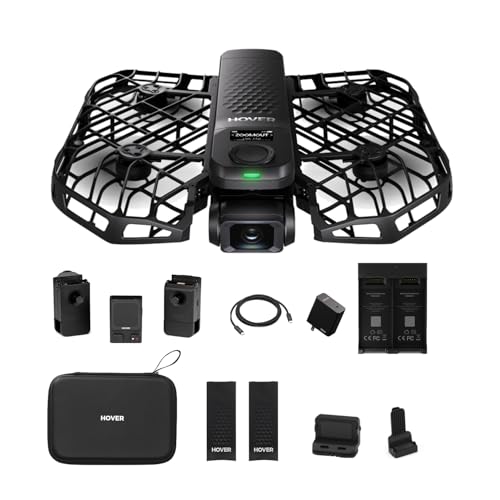
4K@60fps Cinematic Footage for Adventurers & Creators: Experience your adventures like never before with the HOVERAir X1 PRO action camera. Capture every detail in stunning 4K@60fps, from the crisp mountain air to the motion of the waves. This camera drone effortlessly delivers cinematic-quality footage, bringing your most unforgettable moments to life in ultra-clear, lifelike 4K. (Horizontal: 4K@60fps, Vertical: 2.7K@60fps)

Bundle Includes : Olympus Tough TG-6 Waterproof Camera, Black + 64GB SD Card + SD Card Reader + Fiber Cloth + Manufacture Accessories

Lightweight & Portable - 53g and the size of a watch, built for conveniently getting 4K footage from any angle. Great for cycling, running, diving, and more.
How to Test SD Card Performance for Trail Cameras?
If you’re looking to ensure your SD card is performing well for your trail camera, it’s essential to test its capabilities. You want to make sure it can handle those high-resolution photos and videos, so let’s go through some easy ways to check its performance.
First up, consider using some benchmark software like CrystalDiskMark. This tool is fantastic because it can measure the read and write speeds of your card, which is super helpful in verifying if it meets your camera’s requirements. For example, if you’re capturing 4K video, your card needs to keep up with those demands, so running this software can give you a clear picture.
Next, try a file transfer test. Simply copy a large file—say, a 5GB movie file—onto the SD card and then back to your computer. This will give you a real sense of how fast your SD card is in everyday use. You might be surprised at how some cards perform compared to others!
Now, let’s not forget to check the speed class ratings on the card itself. Look for indications like UHS-I or Class 10, which tell you whether it supports the write speeds necessary for capturing fast-action shots. If it doesn’t meet these standards, you might end up with some lag when your camera is snapping photos.
Lastly, keep an eye on your stored files. Regularly reviewing them can help you spot any data corruption early on. And using error-checking tools can help maintain the file system health of your SD card, extending its lifespan.
Additionally, consider whether your trail camera supports expandable memory options, as compatibility can influence which SD card you should choose for optimal performance.
Now that you’ve got a handle on testing SD card performance, you may want to think about the best practices for using your card effectively in your trail camera. Let’s explore that next!
Recommended Products

Versatile Applications: Whether you're a wildlife enthusiast, a hunter, or a homeowner looking to enhance security, the WiseEye Mini Trail Camera offers versatile functionality to suit a variety of applications. Monitor wildlife activity, track game trails, or safeguard your property with ease.

Includes Tactacam 5.0 Hunting Camera, Tactacam Flat Black Stabilizer and 128GB Lexar Micro SD Card from TRAIL CAMS GALORE, a registered trademark.

The information below is per-pack only
Frequently Asked Questions
Does Formatting an SD Card Fix Corruption?
Yes, formatting an SD card can fix corruption. It improves camera compatibility and optimizes performance by restoring file systems. We should regularly maintain our cards, considering usage frequency, storage capacity, and write speeds for best results.
What Format Should an SD Card Be for a Trail Camera?
When we’re setting up our trail cameras, we should use FAT32 for cards under 32GB, and exFAT for larger ones. This guarantees ideal data transfer speed, weather resistance, and longevity for our wildlife adventures.
How to Fix a Corrupted SD Card Camera?
To fix a corrupted SD card, let’s check for error messages, use recovery software for data backup, and guarantee camera compatibility. Remember these prevention tips for long-term storage to avoid common symptoms and further issues.
Does Formatting a SD Card Shorten Life?
Formatting an SD card doesn’t shorten its lifespan if done wisely. Regular formatting can actually enhance performance by improving data management. We should choose high-endurance brands for better write cycles and practice long-term care for maximum usage.