As an Amazon Associate, we earn from qualifying purchases. Some links on this site are affiliate links at no extra cost to you. Our recommendations are based on thorough research and editorial judgment.

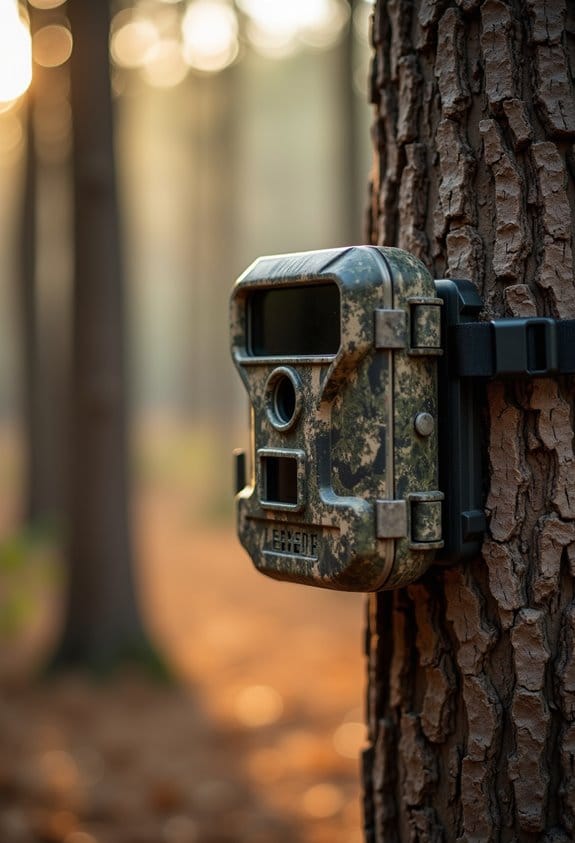
Building a Maintenance Routine for Cellular Cameras in the Field

Building a maintenance routine for cellular cameras in the field helps keep your setup running smoothly. Start by regularly cleaning the lens and camera body to avoid smudges. Manage your batteries by using high-quality lithium ones and checking their levels often. Format your SD cards properly before use and keep them free of old photos. Finally, update the firmware regularly for better performance. With these steps in mind, you can guarantee your camera stays in top shape for capturing wildlife.
Key Takeaways
- Schedule routine check-ins to verify camera functionality and address any issues promptly.
- Regularly check and clean lenses, ensuring clear images and optimal performance.
- Monitor battery levels and SD card space before each use to prevent performance issues.
- Keep firmware updated to enhance camera features and maintain compatibility with the network.
- Analyze wildlife patterns through timestamps to adjust camera settings for peak activity times.
Essential Cleaning Steps for Efficient Cellular Camera Maintenance
You may be interested


Hey there! If you’re into capturing beautiful moments with your cellular camera, keeping it in tip-top shape is key for those clear shots you want. Regular maintenance is super important to ensure that your camera gives you the best results over time.
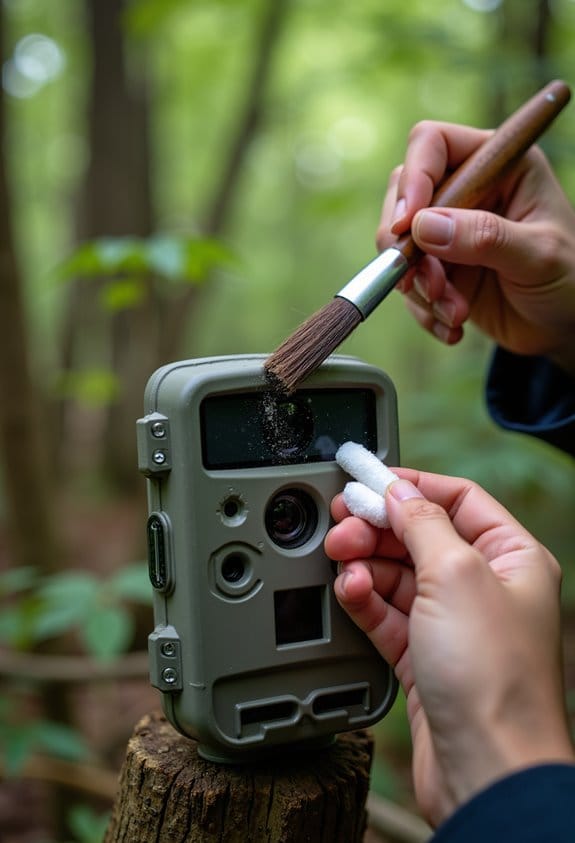
First things first, always clean the lens with a microfiber cloth. Those little smudges can really ruin a great photo! If you run into some stubborn dirt, a warm, damp cloth should do the trick. Trust me, you’ll be amazed at how much clearer your images will be once the camera lens is spotless.
Next, grab a soft-bristled brush—it’s perfect for gently removing any dirt or debris from the camera’s crevices. You want to make sure your camera remains debris-free so it can perform at its best. And don’t forget to give the camera body and straps a quick check, too. Keeping the surrounding area clean is just as important to avoid annoying clutter in your shots.
After a humid day out, let your camera air out indoors for a day or two. Moisture can cause a lot of problems, so giving it some time to dry out is a smart move. Lastly, it’s a good idea to schedule regular checks based on the weather conditions you’ve been facing. This way, you can ensure your cellular camera is always ready for those picture-perfect moments.
Also, keeping an eye on the battery status through your mobile app can help prevent unexpected power loss during critical wildlife moments.
Taking care of your gear really pays off, and you’ll appreciate the improvements in your photos. Let’s chat next about how to set up your camera for the best conditions!
Battery Management for Reliable Field Performance
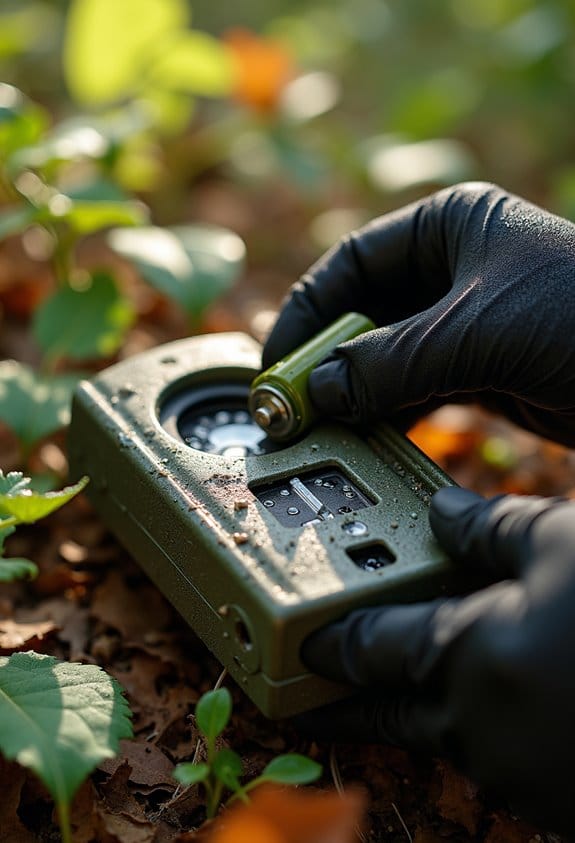
When you’re out in the field with our cellular cameras, keeping an eye on battery management is crucial for ensuring everything runs smoothly. Believe me, nothing is worse than your camera dying just before capturing that perfect shot! A few simple tips can keep your cameras powered up and ready to go.
First off, opt for high-quality lithium batteries. They can last over a year and generally outperform standard alkaline batteries. Think about it—if you’re out in the middle of nowhere and your camera runs out of juice, that’s a missed opportunity you’ll regret. Checking the battery levels before you head out is also key. Make it a habit to verify that everything’s fully charged; it can save you from a major letdown later.
Weather can really mess with battery performance, especially when it gets cold. If you know you’re heading into chilly temps, stick with those reliable lithium batteries. They handle the cold much better than other types. And if you ever plan to leave your camera unused for a while, it’s wise to remove the batteries. This simple step prevents any leakage and keeps your device in tip-top shape.
Lastly, don’t overlook alternative power sources. Some of our cameras even have solar options, which can be super handy for those extended trips—plus, you’ll skip the hassle of frequent battery changes! As you plan your outings, think about how you can incorporate these battery management tips for reliable performance in the field. Using a camera with energy-efficient technology can also help extend battery life by reducing unnecessary power consumption during inactivity.
Formatting and Managing SD Cards for Optimal Camera Functionality
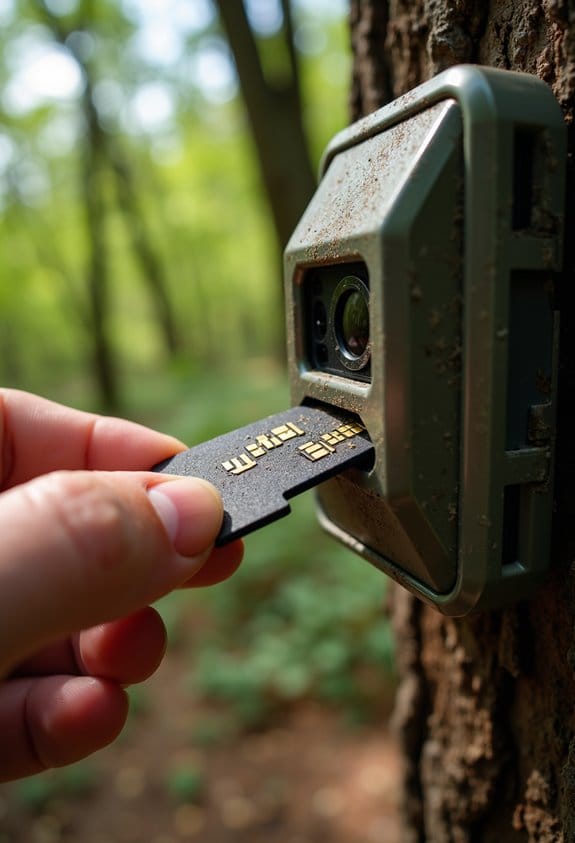
Hey there! If you’re looking to get the most out of your cellular cameras, managing and formatting your SD cards is a must. Think of your SD card as the brain of your camera—if it’s not in tip-top shape, your camera’s performance will suffer.
First off, let’s talk about formatting. Instead of hitting that quick format option on your computer, take the time to do a full format. This helps ensure everything is set up correctly and can prevent future headaches when you’re out there capturing those amazing wildlife moments. For example, formatting your card can clear out any data remnants that might interfere with your camera’s operations.
Next, it’s important to check the capacity of your SD card. Ideally, you’ll want one that’s between 16 GB and 32 GB, which tends to work best for most cameras. This size gives you a good balance between storage and manageability, so you’re not constantly running out of space or dealing with an overly large card that can be cumbersome.
Don’t forget to regularly manage your files. Before you head out for wildlife monitoring, delete old photos and videos that you no longer need. Trust me, showing up with a full card can put a damper on your whole experience. And while you’re at it, make it a habit to check and format your SD cards periodically—think of it as a little tune-up for your gear, especially before each hunting season.
Lastly, keeping extra SD cards handy is a smart move. Label them clearly so you can grab a fresh one in no time. This practice can really cut down on downtime and ensure you catch all those fleeting moments out in the wild. Also, make sure your camera supports micro SD card compatibility to maximize your storage flexibility and ease of management.
Why Updating Your Firmware Matters and How to Do It
Updating your firmware is super important because it keeps your cellular camera performing at its best. When you take the time to update, you get the latest features and fixes, which are crucial for making sure everything runs smoothly. For instance, if you’re experiencing connectivity issues or your camera is lagging, a firmware update might just be what you need to solve those problems. Plus, many updates can enhance image quality, so your photos look even better!
To get started, head over to the manufacturer’s website and check for the latest version of the firmware. They usually provide straightforward instructions for downloading it and transferring it to your camera’s SD card. Just imagine your camera capturing sharper, clearer images after a quick update—it’s a small step that can lead to big improvements.
Regular updates also improve connectivity options and ensure compatibility with the latest network features for reliable remote access.
Troubleshooting Common Photo and Triggering Issues in Cellular Cameras
You know, even the best cellular cameras can sometimes serve up some frustrating moments, like blurry photos or not triggering when you need them to. It can be super annoying, right? One of the first things to check when you’re getting those unclear images is the lens. A quick wipe can often do wonders—dirt and smudges can really block crisp shots.
If your camera isn’t triggering as expected, take a close look at the area around it. Sometimes, branches or heavy foliage can interfere with the detection zone. Make sure your settings align with when animals are likely to be active—like early morning or dusk. Also, don’t forget about the battery life! Weak batteries can drastically lower performance, so it’s smart to keep a few good ones on hand and swap them out regularly.
And let’s talk about the SD card storage for a sec. It’s easy to overlook, but a full card will prevent new images from being saved. Regularly check how much space you have, and consider formatting the card now and then to keep everything running smoothly. Utilizing solar power options can also help maintain consistent battery life for longer monitoring periods.
So, by taking these simple steps, you’ll be well on your way to clearer images and consistent triggering, ensuring you capture those great moments in nature. Now, speaking of nature, let’s chat about how to set up your camera for the best results during those peak wildlife hours!
Frequently Asked Questions
What Maintenance Does a Camera Need?
Our camera maintenance includes lens cleaning tips, a battery replacement schedule, frequent software updates, housing inspections, mounting stability checks, sensor calibration, memory card management, infrared functionality tests, and troubleshooting common issues to guarantee peak performance.
How to Write a CCTV Maintenance Report?
To write a CCTV maintenance report, we should structure it by documenting camera functionality, maintenance frequency, and issue documentation. Include cleaning protocols, battery management, installation checks, and performance evaluation for effective technical troubleshooting and sensor calibration.
Will Cellular Trail Cameras Work Without Cell Service?
Cellular trail cameras won’t operate fully without cell service, but they can still capture images on SD cards. In remote areas, understanding technology limitations and signal strength is key for effective wildlife monitoring and outdoor surveillance.
Do Security Cameras Need Maintenance?
Yes, security cameras need maintenance. Did you know proper upkeep can extend a camera’s lifespan by over 30%? Routine inspections, cleaning schedules, battery management, lens protection, software updates, and weatherproof housing keep everything running smoothly.